
Contents · 8 sections
- What makes a YouTube Shorts editing app useful for daily streaks
- What YouTube already provides for recording and editing Shorts
- Shorts length and format limits that affect daily production
- YouTube Create versus a dedicated YouTube Shorts editing app
- How Claude-assisted editing fits the daily Shorts workflow
- Using a board to track ideas through to posted videos
- Frequently asked questions
- Keeping the streak going
What makes a YouTube Shorts editing app useful for daily streaks
Daily creators rarely lose a streak because an editor lacked a filter. They lose it when an idea stalls between the script, the raw footage and the captioned clip. Each gap is a place to get distracted, and by evening the day is gone.
A useful app closes those gaps by turning the raw take into a ready clip in one pass, instead of moving files between tools. StreakPlan lets you write the script, film it with a built-in teleprompter, and have Claude edit the take into a ready-to-post YouTube Short, TikTok video or Reel with captions and thumbnails.
It is built for people who want to post a Short every day without spending hours on editing, and I use it myself to document building apps in public. That's why the tool stays focused on speed and streak maintenance rather than on piling up creative options.
The audience is specific: creators and indie makers who post short-form videos daily on YouTube, TikTok or Instagram and need a fast way to turn scripts into finished clips. If that's you, judge any editor by one question: how many separate steps stand between your idea and a finished file?
What YouTube already provides for recording and editing Shorts
Start with the baseline, because it's good. According to YouTube for Artists, YouTube Create is free of charge, edits Shorts and videos on a phone, and uploads directly to YouTube. Its toolset covers audio cleanup, beat detection, cut out, effects, filters, a font library, a sticker library, transitions and voiceover.
There's also a route for existing footage. YouTube Help says a Short made from an existing public video with the Edit into a Short feature can use a 60-second section selected from the source video.
For a single clip, these tools are strong, and if you only need to trim, add effects and upload, you may not need anything else.
What they don't cover is the work around the clip. Script writing, teleprompter recording, and automatic caption-and-thumbnail preparation sit outside that flow. On a day when you have an idea but no script, you still have to solve those steps somewhere else, and that's where a streak tends to slip.
Shorts length and format limits that affect daily production
Pick your clip length and format before you film, not after. YouTube Help states that a Short can run up to 3 minutes, and its Shorts creation guidance names 1080p as the maximum upload resolution.
For computer uploads, YouTube's upload guidance lists square or vertical as the eligible aspect ratios, with the same 3-minute ceiling. Film vertical and you've met the format rule before you touch an editor.
YouTube Create also frames clips in preset length bands: less than 15 seconds, 15–30 seconds, or 31–60 seconds. Those bands are a handy way to decide the shape of the day's Short. A quick tip fits the first band, a short walkthrough fits the second, and a fuller explanation fits the third.
YouTube also explains that square or vertical videos meeting the criteria are categorized as Shorts, so check aspect ratio and duration before you edit. A script written to a target length makes that check easy, because you know the runtime before the camera rolls.
YouTube Create versus a dedicated YouTube Shorts editing app
The two approaches solve different problems. YouTube Create supplies editing tools and direct upload. A workflow app like StreakPlan supplies the steps before and after the edit.
| Feature | YouTube Create | StreakPlan |
|---|---|---|
| Cost | Free of charge | See pricing for Pro and Growth |
| Where it runs | Phone, with direct upload to YouTube | Mobile and desktop |
| Editing tools | A full set of effects, filters, libraries, transitions and voiceover | Claude editing, captions, thumbnails |
| Script writing | Not listed | Yes |
| Teleprompter filming | Not listed | Built in |
| Idea tracking | Not listed | Board from idea to posted video |
Create gives you more creative effects. StreakPlan gives you a sequence: script, film, edit, then a ready-to-post clip, with the focus on moving one idea to that state each day. It prepares the clip and doesn't post it for you.
How Claude-assisted editing fits the daily Shorts workflow
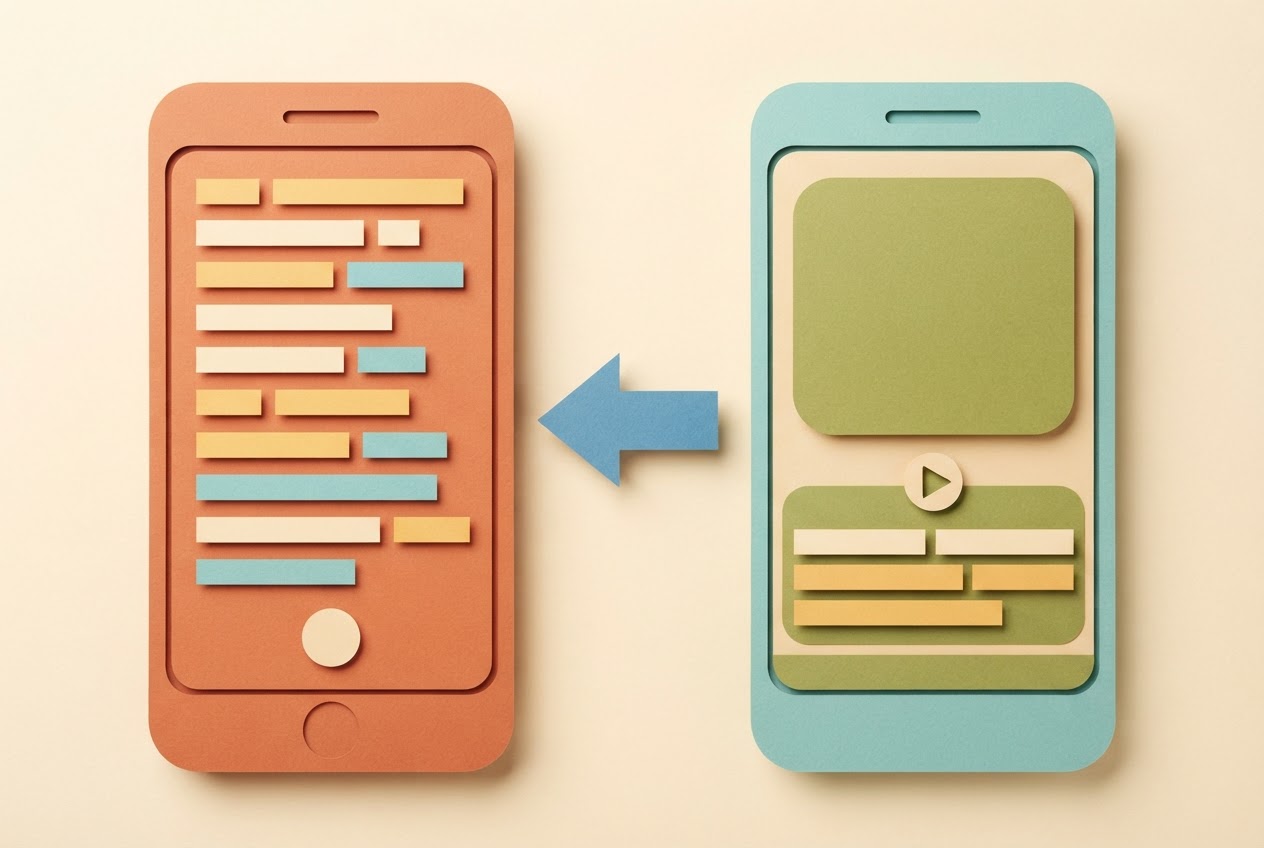
The handoff is simple. You write the script, then film the take with the teleprompter, reading from the same screen you wrote on. When the take is done, you send it to Claude for editing.
Claude edits the take into a ready-to-post clip with captions and a thumbnail, as StreakPlan's description puts it. You don't need extra software to caption or build a cover image, so the usual cycle of exporting, importing into another editor and exporting again drops out of the day.
YouTube is adding AI help of its own. Its Made on YouTube announcement describes conversational editing that can create a first draft, reorder frames, trim footage and sync music, while still allowing manual timeline edits. AI editing isn't what sets one tool apart. What matters is whether it sits inside a flow that also holds your script and your tracking.
Before you post, watch the finished clip once. Then upload it yourself to the platform you're posting on.
Using a board to track ideas through to posted videos
StreakPlan includes a board for tracking ideas through to posted videos. Set it up as a short checklist of columns:
- Idea: every concept you might film goes here.
- Script written: move the card once the script is done.
- Filmed: the teleprompter take exists.
- Edited: Claude has returned the clip with captions and a thumbnail.
- Ready to post: the file is finished and waiting for you to upload.
Move the card forward after each step, so you always know which Short is next in line. If three cards are stuck at "Script written", you can see that filming is the bottleneck instead of guessing.
look at one thing: did today's streak card reach the ready-to-post column? If it didn't, you know exactly which stage stalled, and tomorrow you can start there.
Keep a few cards in "Script written" as a buffer, so a busy day doesn't mean starting from a blank page.
Frequently asked questions
How long can a YouTube Short be?
A YouTube Short can run up to 3 minutes. YouTube Help gives that limit for Shorts created in the app and for those uploaded from a computer. Plan your script around the length you want, and remember that YouTube Create's preset bands stop at 31–60 seconds.
Does StreakPlan post videos automatically to YouTube?
No. The app prepares the finished clip with captions and a thumbnail, but it does not upload or post it for you. You take the ready file and publish it yourself on YouTube, TikTok or Instagram, which keeps the final decision in your hands.
What format should a daily YouTube Short use?
Use vertical or square video at 1080p, which YouTube Help names as the maximum upload resolution. That format works for Shorts up to 3 minutes long. Filming vertical from the start means the clip fits the rules before any editing begins.
When is YouTube Create enough for daily Shorts?
YouTube Create is enough when you only need effects and phone recording, since it's free and uploads directly to YouTube. Add a workflow app when you also want scripting, teleprompter filming and Claude editing in one flow. That's the point where separate tools start costing you time each day.
Keeping the streak going
YouTube's own tools handle recording, effects and upload well, so the real question is what happens before and after the edit. If your streak breaks in the gaps between script, take and finished clip, a single flow with a tracked ready-to-post state is the fix worth trying. If you want to see that flow for yourself, you can sign in to StreakPlan and run one idea from script to finished clip.
Useful? Share it with a creator who posts every day.