Contents · 8 sections
- Placing the script on the lens axis
- Formatting text for glance-based reading
- Choosing scroll speed and control method
- Rehearsing before the final take
- How to read script while filming on a phone setup
- Reviewing the take for natural eye contact
- Frequently asked questions
- Keeping eye contact part of the daily workflow
Placing the script on the lens axis
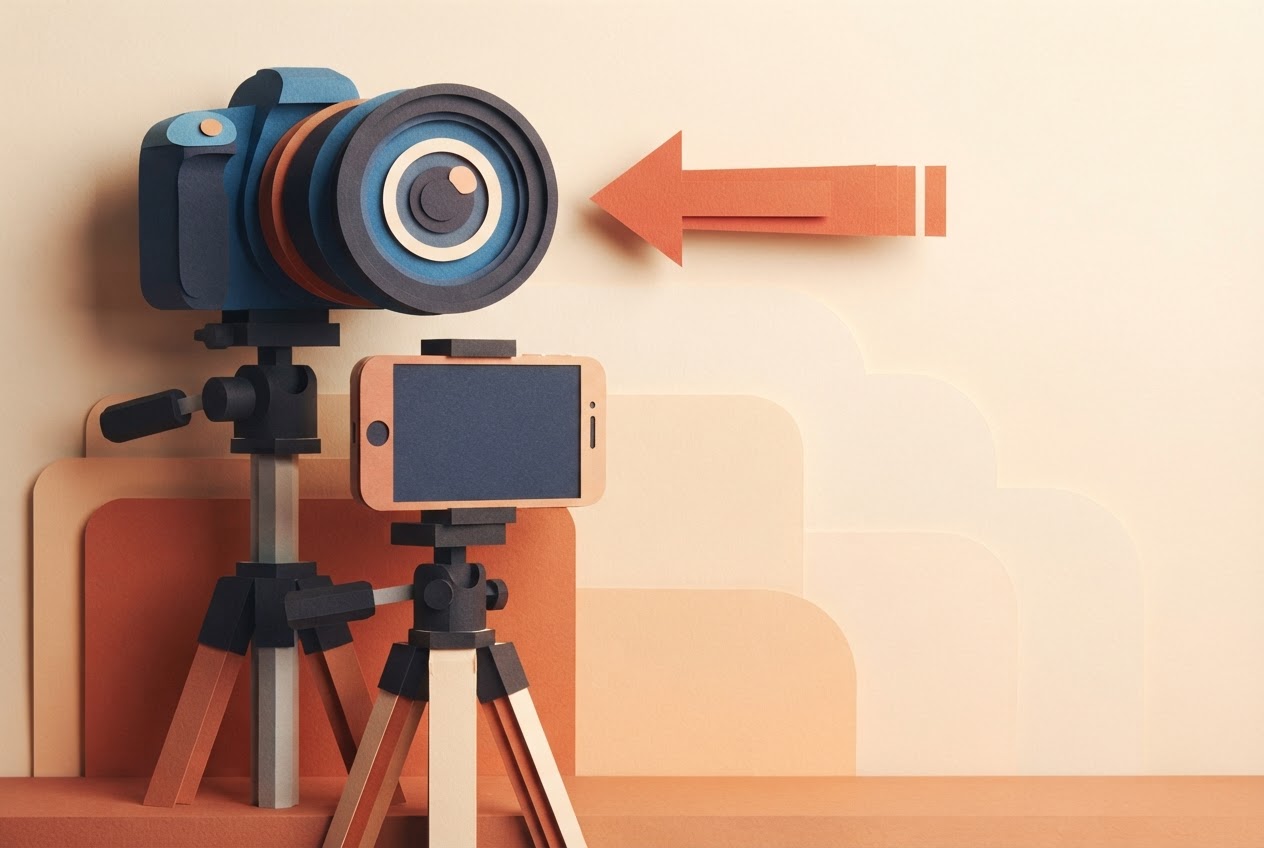
The closer the text sits to the lens, the less your eyes visibly travel. Teleprompter.com says reading text positioned close to the lens reduces visible eye movement, because your gaze stays nearer the lens axis. That's why a script on a separate monitor off to the side gives you away.
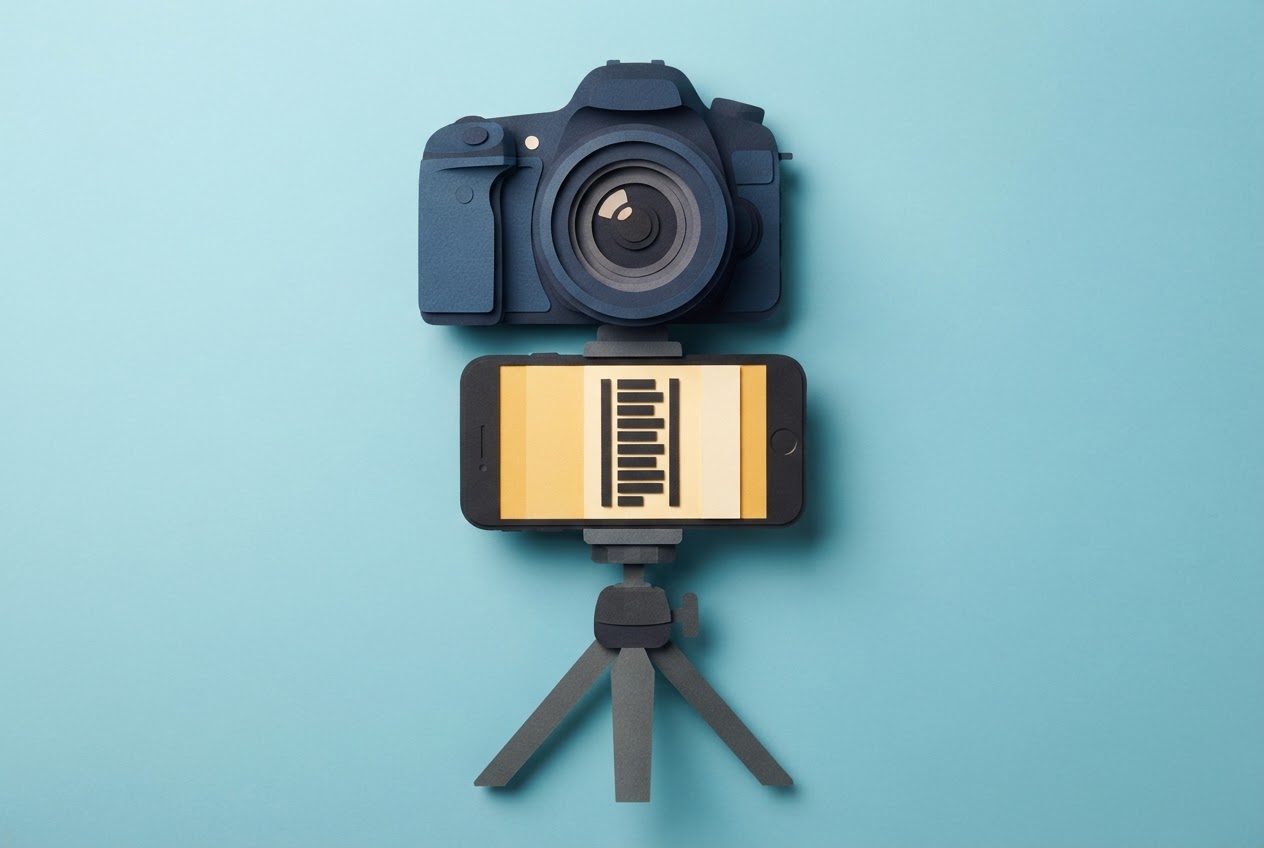
For a phone or tablet, the same site recommends eye level, just below or beside the camera lens. Distance matters too. StoryCut says standing 1–1.5 metres from the prompter can keep your eyes within approximately ±3.4° to ±2.3° of the lens when you use its narrow-column setup. Wide Open Gear names 4–6 feet as a practical range for a prompter in front of a tripod.
If you use a glass-based rig, the mechanism is simple. Teleprompter.works describes the glass as mounted at a 45-degree angle directly in front of the lens. A monitor below it displays the script upward, the glass reflects the text toward you, and the camera records through the transparent surface.
For a daily Short, pick one mounting spot and leave it there. Then you only adjust distance, not geometry, each morning.
Formatting text for glance-based reading
Placement gets your eyes near the lens. Formatting keeps them there. Descript recommends larger text and shorter lines, which means your eyes don't sweep side to side across a wide paragraph.
Go narrow. StoryCut suggests a column of 3–5 words, roughly 12 cm wide. Teleprompter.works recommends narrowing the text area to 50–70% of the screen width and showing only 2–3 lines at a time. Fewer visible lines keep the active text near the top of the screen, and the top is closest to the lens on a phone held below it.
Break your script by phrase, not by sentence. For example, instead of one long line, write:
- "Today I'm showing"
- "how I film"
- "a Short in one take"
Each glance then captures a whole thought.
Two reading habits help as well. Teleprompter.com recommends reading each line as soon as it appears at the top instead of waiting for it to reach the middle, which keeps your eyes closer to the lens. It also says hiding on-screen controls while scrolling puts the script higher on the screen and can help keep your gaze nearer the lens.
Choosing scroll speed and control method
Start with a pace that sounds like you talking. StoryCut gives approximately 130–160 words per minute as a starting speaking pace for most people and recommends adjusting from there. Adjust the scroll to your voice rather than bending your delivery to a preset speed.
A quick way to set it: take a 30-second portion of your real script, run it at 130, and film a short test. If you feel rushed, slow down. If you're waiting for words to arrive, speed up. Settle on a number and reuse it for the next few days.
Then decide who drives. Descript says its teleprompter can scroll automatically or manually, giving you control over pacing. Automatic scroll suits a script you've rehearsed and want to deliver at a steady rate. Manual control suits a take where you may want to pause on a punchline or catch up after a stumble without losing your place.
Whichever you pick, run the full script once at that speed before you record. Short-form scripts are brief, so a full pass costs little, and it tells you whether the text stays ahead of your voice or leaves you chasing it.
Rehearsing before the final take
Rehearsal here has three small steps, and they work in order.
- Read aloud once. Read the formatted script out loud while watching it scroll, so you learn where natural pauses fall and which phrases sound stiff when spoken.
- Check the picture. SSW.Rules recommends recording a short test and watching it without sound to check for scanning eyes and a frozen expression.
- Check the sound. The same guide recommends listening to a take without looking at it, which helps you hear flat pacing and unnatural emphasis.
If the silent pass shows your eyes tracking the text, fix placement or narrow the column. If the audio pass sounds flat, rewrite the line the way you'd say it or change the scroll speed. Then record the keeper.
How to read script while filming on a phone setup
Here is the whole sequence on a phone. Put the phone at the lens, open your script, set the narrow column and two-line view, and keep your eyes on the lens as you start recording. Descript's advice is to keep the text as close to the camera as the setup allows, and that principle decides every other choice.
Elgato shows the same idea on desktop: it describes loading a script in Camera Hub and rolling it while recording, so you can read and look into the lens at once.
At StreakPlan, the app lets creators write scripts, film them with a built-in teleprompter, and have Claude edit the takes into ready-to-post YouTube Shorts, TikTok videos or Reels with captions and thumbnails. Using one app means the script you formatted is the one you film from, and the take goes straight to editing.
After the take, review eye movement on mute and delivery by ear, then decide whether you need a second pass.
Reviewing the take for natural eye contact
Run two passes, one sense at a time. First, watch the clip with the sound off. Per SSW.Rules, this is how you spot scanning eyes and a frozen expression. Your eyes should sit near the lens and shouldn't visibly follow the lines.
Second, listen without watching. The same guide says this reveals flat pacing and unnatural emphasis. If you sound like you're reading, the fix is usually in the script wording or the scroll speed, not in your performance.
Move to editing only when both passes hold up. A clean take means less patching afterward, which matters when you post daily.
Frequently asked questions
What is the easiest way to read a script while filming yourself?
Put the script display right at the camera lens, keep the lines short and narrow, and scroll at the pace you've practised. Those three things do most of the work. StoryCut's starting range of 130–160 words per minute gives you a first speed to test before you record.
Should you use automatic scrolling or manual scrolling?
It depends on the take. Choose automatic scrolling when you want a fixed pace, and manual when you may need to pause or speed up mid-take. Descript says its teleprompter offers both, so you can try each on a short test clip and keep whichever feels more conversational.
How do you avoid looking like you are scanning text?
Keep your eyes on the top line and keep the column narrow, so you read with a quick glance instead of a sweep. Teleprompter.com recommends reading each line as soon as it reaches the top of the screen. Then watch a muted test clip, as SSW.Rules suggests, to catch any scanning.
Can you read a script while filming on a phone?
Yes. Load the script in a teleprompter app, place the phone at eye level just below or beside the lens, and scroll while you record. Teleprompter.com recommends that eye-level position for a phone or teleprompter device. Keep the text near the camera, as Descript advises.
How does a teleprompter fit into a script-to-film workflow for Shorts?
You write the script, load it in the teleprompter, film the take, and send the clip to an editor. StreakPlan describes this flow in one app: scripts, a built-in teleprompter, and Claude editing takes into Shorts, TikToks or Reels with captions and thumbnails.
Keeping eye contact part of the daily workflow
When the script sits on the lens axis, the text is formatted for quick glances and you run the two-pass review, eye contact looks natural without extra retakes. The same steps fit inside a single daily workflow from script to posted Short. Start your next recording with the lens-aligned placement and narrow column you just set up, and sign in to StreakPlan when you want the script, teleprompter and editing in one place.
Useful? Share it with a creator who posts every day.