
Contents · 7 sections
- Finding the teleprompter video app that supports your full workflow
- Writing or importing your script inside the same app
- Recording takes while the script scrolls on your phone
- Turning the filmed take into a captioned Short with Claude
- Checking recording quality and pricing before you subscribe
- Frequently asked questions
- Finishing the daily clip without extra tools
Finding the teleprompter video app that supports your full workflow
Start by listing every handoff that slows you down today. Most daily routines have the same stops: the idea sits in a notes app, the script gets copied somewhere else, the take lands in a camera roll, and the edit happens in yet another program. Each stop is a place where a posting day can slip.
Then look for an app that lets you write or import the script, record while reading it, and move straight into editing without exporting files by hand. Plenty of tools stop at the scrolling step. Others, like the ones Teleprompter.com describes, let you read a script while recording on a phone, tablet, Mac or browser. That's a real improvement, but it covers only the middle of the loop.
StreakPlan covers the whole sequence. According to StreakPlan's own site, it lets creators write scripts, film them with a built-in teleprompter, and have Claude edit the takes into ready-to-post YouTube Shorts, TikTok videos or Reels with captions and thumbnails. It's built for creators and indie makers who post short-form video daily on YouTube, TikTok or Instagram and need a fast way to turn scripts into finished clips. I use it myself to document building apps in public, and I keep it focused on speed and streak maintenance.
Writing or importing your script inside the same app
The first delay in a daily routine is usually the script. You have an idea, but it lives in a note, a chat message or an outline in another document, and getting it into a filming tool means retyping or copy and paste.
Look for an app where you can type or paste the script on desktop, then pick it up on your phone without copying text by hand. Writing on a keyboard is faster for most people, and filming on a phone is more practical. An app that respects both saves a step every single day.
Check what it accepts, too. If you already draft outlines in a plain text file, the script should move in quickly rather than demanding a full retype. Try it with a real outline of yours before you commit to anything.
Keeping the script in the workspace you film from also protects the idea. A note that sits in a separate app tends to be forgotten, while a script waiting next to the record button is the next thing you see. For a creator posting every day, that placement matters more than any single feature.
Recording takes while the script scrolls on your phone
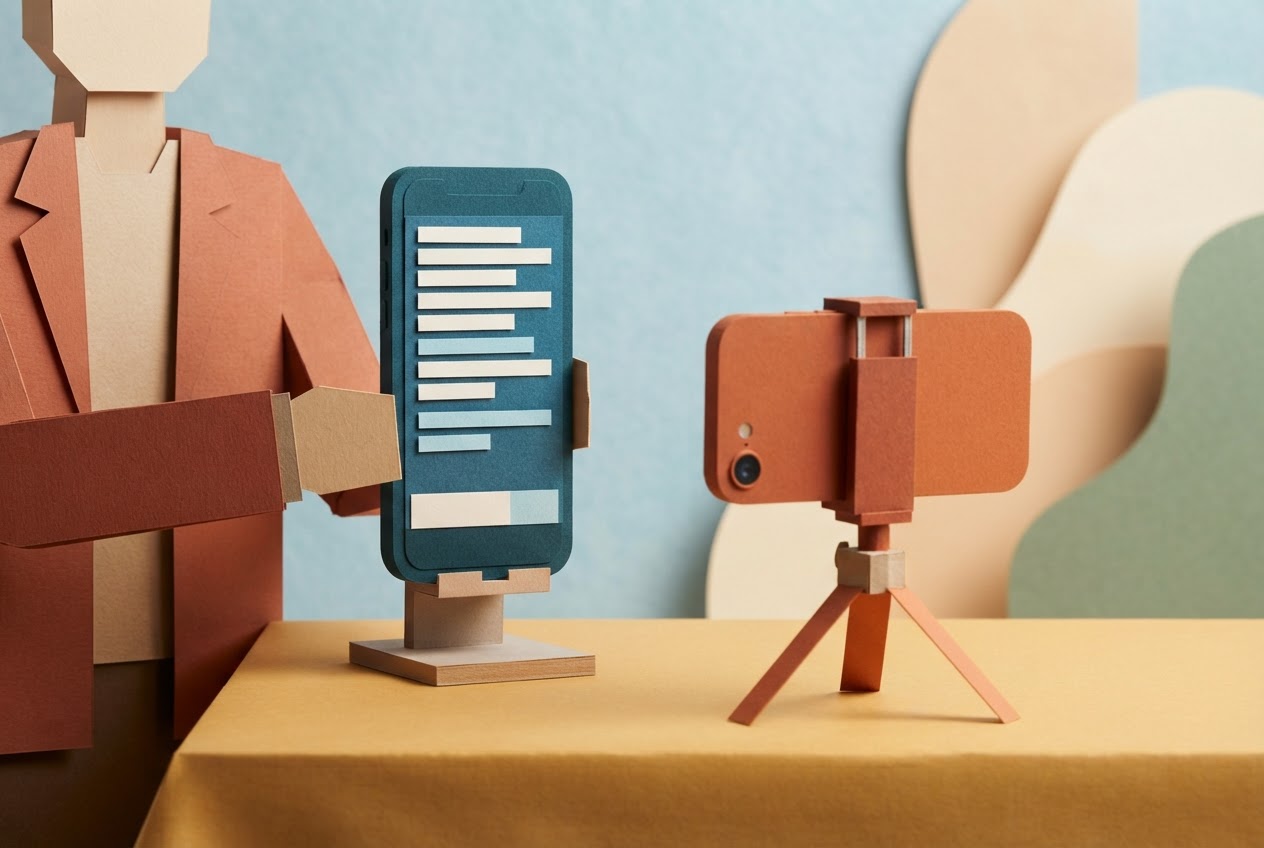
Place your phone on a stand so the script appears as close to the camera lens as possible, then start recording and read at a comfortable pace.
The workflow itself is well established. The Teleprompter Record Video app listing describes writing on desktop, reading on phone, recording while the script scrolls, saving to the gallery, and syncing across desktop, phone and tablet. That's the pattern to look for: write in one place, film in another, and keep the text in step.
Use the scroll controls as you speak. Adjusting the rate mid-take keeps the delivery natural and saves you from stopping to scroll by hand, which is a common cause of retakes. If you stumble, keep going and fix it in the edit rather than restarting.
Then decide where the clip goes. Saving to a gallery works, but it means moving the file later. An app that keeps the take inside the same workspace removes that move, and it's the difference between a tool for filming with prompts and one built to produce finished clips.
Turning the filmed take into a captioned Short with Claude
Editing is where most daily streaks break, because manual cutting eats the time you saved while filming. In StreakPlan, Claude handles the edit and turns your takes into finished vertical clips with captions and thumbnails.
The flow is simple. You send the recorded take to Claude, which trims pauses, adds captions and generates a thumbnail. You review the suggested clip on the same screen where you filmed it, make any final tweaks, and save the finished file.
The result is a vertical video ready to post. You post it yourself, manually, to TikTok or Instagram or wherever it's going. StreakPlan doesn't post for you, and I'd rather say that plainly than leave it vague. What you gain is that you don't open another program between filming and posting. If you want to compare editing options, we've written about a Shorts editing app that protects your daily streak.
Checking recording quality and pricing before you subscribe
Before you pay for anything, check the output quality. Resolutions vary by app and device: the Teleprompter for Video listing names 720p, 1080p and 4K depending on device support, and Teleprompter.com's pricing page lists 4K recording without a watermark on its Pro plan.
Match the output to the platform. Slice Media lists TikTok feed video as 1080×1920 pixels, a 9:16 aspect ratio, so confirm the app records vertically at that shape.
Plan restrictions matter just as much. Teleprompter.com's FAQ says automatic video syncing is limited to Pro and Max users, so a feature you assume is included may sit behind a higher tier. Compare monthly and yearly prices side by side, and note any limits on storage or recording length.
Then choose the plan that removes the barrier you hit most often, such as a watermark or short recording time, rather than the one packed with the most features. If you're weighing StreakPlan's Pro and Growth plans, the pricing page is where to look.
Frequently asked questions
What is a teleprompter video app?
It's software that lets you write or import a script, read it while recording on the same device, and move the take into editing. The point is fewer separate tools between the idea and the finished clip, which matters when you post every day.
Can you write a script and record in the same app?
Yes. Teleprompter Record Video's App Store listing describes writing on desktop, reading on a phone, and recording while the script scrolls, with sync across devices. That keeps the script and the filming in one workspace instead of two.
Does a teleprompter app add captions automatically?
It depends on the app. Some tools stop at recording and leave captions to another editor. StreakPlan has Claude edit your takes into clips with captions and thumbnails, so captioning happens as part of the same workflow rather than as an extra step.
How much do teleprompter video apps cost?
Prices differ by app and plan, and features such as syncing or watermark-free recording can depend on the tier. Teleprompter.com, for example, says automatic video syncing is limited to Pro and Max users. Compare what each plan actually unlocks before subscribing.
What recording resolutions and frame rates matter for Shorts, TikTok, and Reels?
Vertical 9:16 matters most. Slice Media lists TikTok feed video as 1080×1920 pixels, which is that ratio. Teleprompter for Video's App Store listing names 720p, 1080p and 4K recording depending on device support, so check what your phone allows.
Finishing the daily clip without extra tools
Once the teleprompter video app holds your entire script-to-clip workflow, the only daily decision left is which idea to film next. Pick the tool that removes your own handoffs, not the one with the longest feature list. If that sounds like your routine, you can sign in to StreakPlan and run the loop from script to captioned clip.
Useful? Share it with a creator who posts every day.